
Video Editing Course
Video Editing Course in Rawalpindi Islamabad Pakistan
Video editing :
- Adobe Premiere Pro
- Camtasia Video Studio
- WonderShare Filmora
- Adobe Photoshop (Thumbnails)
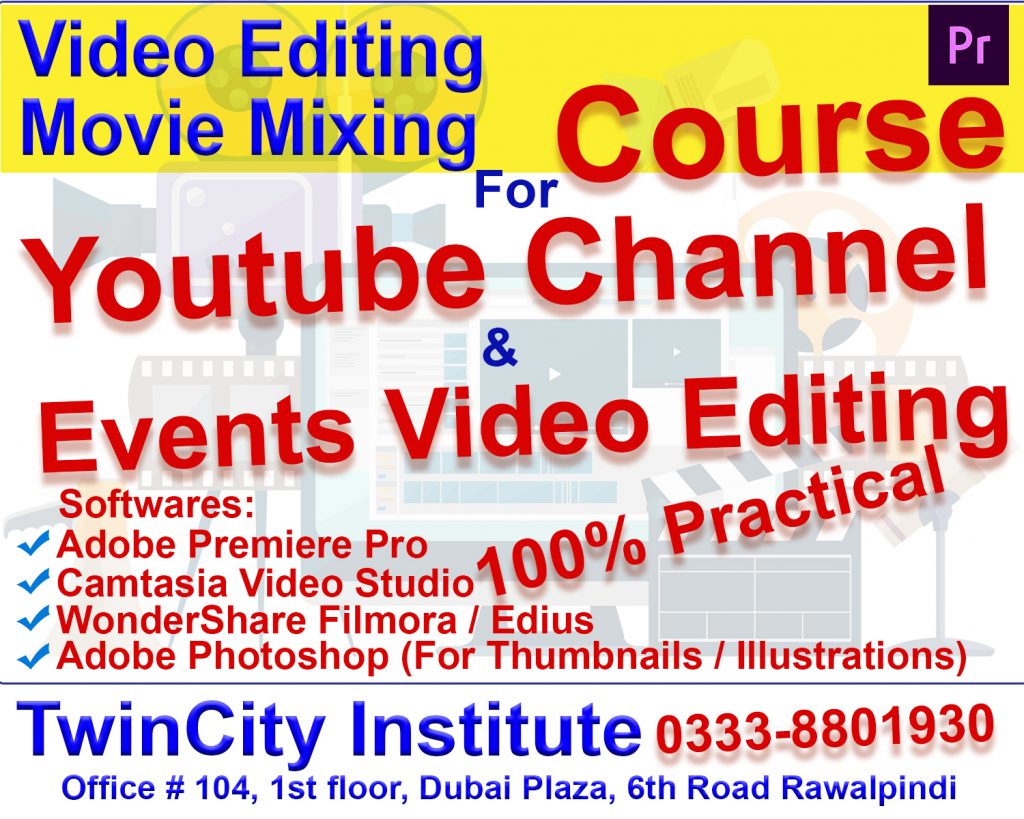
video editing course in Rawalpindi Islamabad Pakistan
For More Info:
Call / Whatsapp: 0333-8801930
Visit Office:
Twincity Institute, Office 104, 1st Floor, Dubai Plaza, 6th Road Rawalpindi.
For Online Admission:
video editing course in Rawalpindi Islamabad Pakistan
🎬 Adobe Premiere Pro – Video Editing Course Outline
Module 1: Introduction to Video Editing
- What is video editing?
- Overview of Adobe Premiere Pro
- Workspace, panels, and interface tour
- Project setup & scratch disk settings
Module 2: Importing & Organizing Media
- Importing videos, audio, and images
- Creating bins & organizing files
- Understanding codecs and file formats
- Project workflow & best practices
Module 3: Basic Editing Techniques
- Timeline basics
- Cutting, trimming, and splitting clips
- Ripple edit, roll edit, slip & slide tools
- Working with multiple tracks
- Adjusting clip speed & duration
Module 4: Audio Editing
- Audio levels & gain adjustment
- Removing background noise
- Using audio transitions
- Syncing audio with video
- Voice-over recording inside Premiere Pro
Module 5: Working With Effects
- Applying video effects
- Color correction vs. color grading
- Using Lumetri Color panel
- Stabilizing shaky footage
- Adjustment layers
Module 6: Transitions & Motion Graphics
- Adding transitions (cross dissolve, wipe, etc.)
- Creating smooth transitions
- Intro to Essential Graphics
- Creating custom titles & lower thirds
- Using Motion controls (position, scale, rotation)
Module 7: Advanced Editing Tools
- Multi-camera editing
- Green screen / chroma key editing
- Masking & tracking
- Time remapping (slow motion / fast motion)
- Nesting sequences
Module 8: Graphics & Animation
- Keyframing basics
- Creating animated titles
- Using templates from Adobe Stock
- Importing After Effects templates (MOGRT)
Module 9: Exporting & Delivery
- Export settings for YouTube, Facebook, TikTok
- Understanding bitrate, resolution, and formats
- Creating custom render presets
- Final project export & delivery workflow
Module 10: Final Project
Instructor feedback & project refinement
Editing a complete video project
Applying color grading, transitions, titles, and audio mix
Course Duration : 1 Month (Practical Training)
For Details WhatsApp: +92-333-880-1930